As printers get smarter and more connected, a new generation of AI-powered home printers is quietly changing the game for how we print, scan, and manage documents in 2025. These advanced devices are no longer just for printing out homework or boarding passes—they’re now equipped with artificial intelligence, voice control, smart home integration, and even self-healing security features.
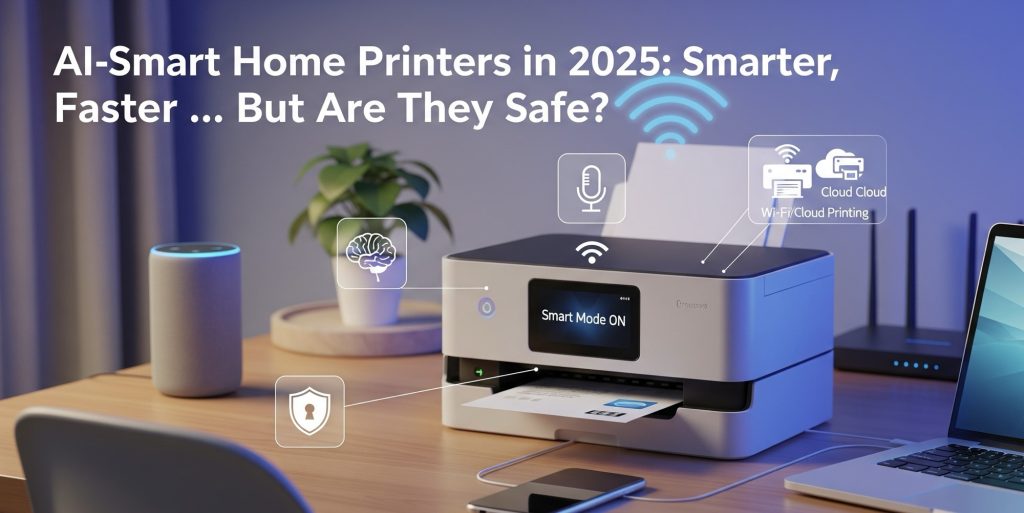
However, with these smarter capabilities come increased security risks—especially since many users overlook the vulnerabilities in their Wi-Fi-enabled printers.
In this post, we’ll take a closer look at:
- The latest advancements in AI-enabled printer technology
- How it’s boosting home productivity
- The rising cybersecurity threats facing home printers
- What you can do to safeguard your smart home printer
Let’s jump right in.
🔍 What Is an AI-Smart Home Printer?
An AI-smart printer leverages artificial intelligence to enhance the traditional functions of printing and scanning. This means your printer is more than just a machine—it’s a smart assistant that can:
- Automatically fix formatting issues before printing
- Scan documents and pull out key information
- Identify forms and even suggest email responses
- Anticipate low ink or paper levels and reorder supplies
- Work with Alexa or Google Assistant for voice-activated printing
Example: HP’s latest firmware in 2025 features “Smart Reformat”—a tool that intelligently removes ads from web pages before printing, adjusts margins, and improves readability.
🧠 Top AI Features in 2025 Home Printers
1. Smart Document Formatting
AI automatically adjusts and rearranges content to make it more print-friendly—no more hassle!
2. Intelligent Scan Summaries
Today’s printers have come a long way—they can now summarize scanned documents, pull out contact information, and even automatically redact sensitive data.
- Voice-Activated Printing
More and more printers are becoming compatible with smart assistants like Alexa, Google Home, and Siri. Just say something like, “Hey Google, print my to-do list,” and watch your printer spring into action.
- Predictive Maintenance
Thanks to machine learning, printers can now spot potential issues (like a failing cartridge) and suggest solutions before they disrupt your workflow.
🔐 The Hidden Risk: Home Printer Security Threats
While these features are pretty cool, many users don’t realize that their home printer is now part of the Internet of Things (IoT)—which makes it a potential target for hackers.
In June 2025, cybersecurity firm Rapid7 uncovered over 748 vulnerable printer models from well-known brands like Brother, Ricoh, and Toshiba. Some vulnerabilities even allowed hackers to reverse-engineer admin passwords using just the printer’s serial number.
These vulnerabilities are not just theoretical. Attackers could:
- Access your print history
- Inject harmful firmware
- Use your printer as a gateway to your entire home network
🚨 Are You at Risk?
If your printer:
- Connects to Wi-Fi
- Hasn’t received recent firmware updates
- Uses default login credentials
- Is linked to your smart home system
…then yes, you might be at risk.
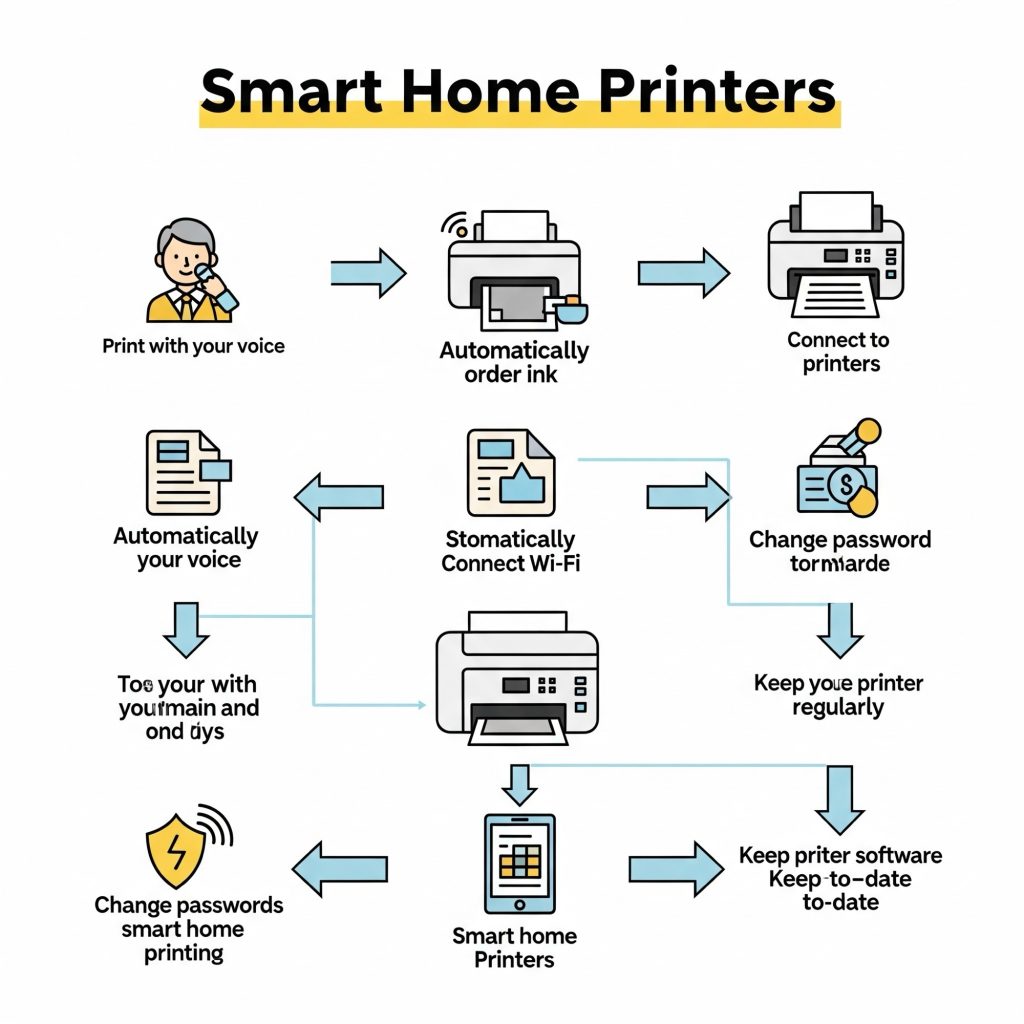
🔒 5 Ways to Protect Your Smart Printer in 2025
- Update Your Firmware Regularly
Make it a habit to check the manufacturer’s website every month for the latest firmware updates. - Change Default Passwords Immediately
Set a strong admin password and turn off remote access if you don’t need it. - Isolate Your Printer on a Guest Network
Keep your printer separate from your main Wi-Fi to limit access from compromised devices. - Disable Unused Features
If you don’t use cloud printing or faxing, it’s best to turn those features off. - Enable Logging and Alerts
Some printers can notify you when a new device connects or when firmware changes occur. Make sure to turn these alerts on.
🌐 AI + Security: The Future in the next few months, we can expect to see even more AI features integrated into our lives—think printers that can summarize meeting notes or suggest the best cloud storage folders for your files. However, as these devices become more central to our digital lives, we should also be aware of the increased risks and targeted attacks they might face.
✅ Final Thoughts: Should You Invest in an AI Printer?
If you appreciate convenience, automation, and enhanced productivity, then an AI-powered printer is definitely worth considering. Just remember to secure it as you would with any other smart device, like your laptop or phone—after all, by 2025, it’s going to be a key part of your tech setup.
🛠 Need Help with Printer Setup or Security?
Check out www.printerfixing.com for expert advice, tutorials, and round-the-clock support. Whether you’re setting up a new smart printer or looking to secure an older model, we’ve got your back!
see even more AI features integrated into our lives—think printers that can summarize meeting notes or suggest the best cloud storage folders for your files. However, as these devices become more central to our digital lives, we should also be aware of the increased risks and targeted attacks they might face.
🛠 Need Help with Printer Setup or Security?
Check out www.printerfixing.com for expert advice, tutorials, and round-the-clock support. Whether you’re setting up a new smart printer or looking to secure an older model, we’ve got your back!
❓ Frequently Asked Questions (FAQ)
- What is an AI-powered home printer?
An AI-powered home printer is a device that leverages artificial intelligence to make printing and scanning tasks smoother. It can automatically format your documents, summarize scanned text, spot potential issues before they arise, and even work seamlessly with smart assistants like Alexa or Google Home. - Are AI printers worth it for home use?
Absolutely! AI printers are perfect for busy families, students, and remote workers. They save you time by automating tasks such as reformatting pages, managing ink supplies, and allowing you to print using just your voice. Plus, they come with predictive maintenance features that help minimize downtime. - How do I know if my printer is vulnerable to security threats?
If your printer is connected to Wi-Fi, hasn’t been updated in a while, or is still using the default admin credentials, it might be at risk. It’s a good idea to check for firmware updates and change any factory passwords to keep your device secure. - Can hackers really access my home printer?
Yes, they can. In 2025, new vulnerabilities were discovered that let attackers gain admin access using a printer’s serial number. This means hackers could potentially steal documents, install harmful firmware, or even access other devices on your network. - How can I secure my AI-smart printer?
Here are five steps you can take to keep your smart home printer secure:
- Regularly update the firmware
- Use a strong, unique admin password
- Connect the printer to a guest network
- Disable unused features like remote access or fax
- Enable activity alerts, if your printer supports it
- What brands offer AI-powered home printers in 2025?
Brands like HP, Canon, Epson, and Brother are introducing AI-enhanced features in their latest home printer models. HP, in particular, has rolled out smart formatting, predictive maintenance, and voice control across many of its consumer devices. - Can I use Alexa or Google Home to control my printer?
Definitely! Many of the newer smart printers support voice commands through Alexa, Google Assistant, or Siri. You can use these assistants to print documents, check ink levels, or even schedule maintenance tasks.